
How do I get started as an Installer?
How to Create an Installer / Worker Account on Steady Install
Follow these steps to complete your profile and start receiving job invitations.
Step 1: Create Your Account
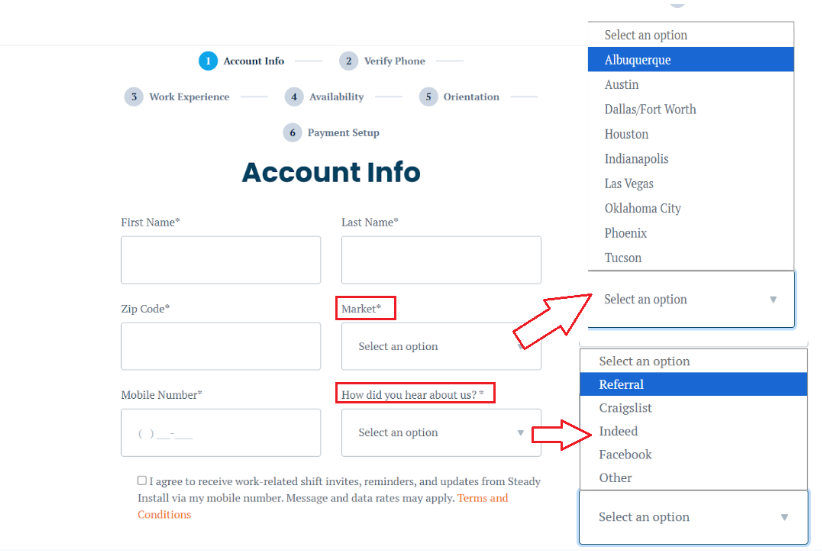
Start by registering on the Steady Install platform and completing the Account Info section. In this step, you will enter your basic personal information. Enter your name and phone number, select your market, and indicate how you heard about us on Steady Install.
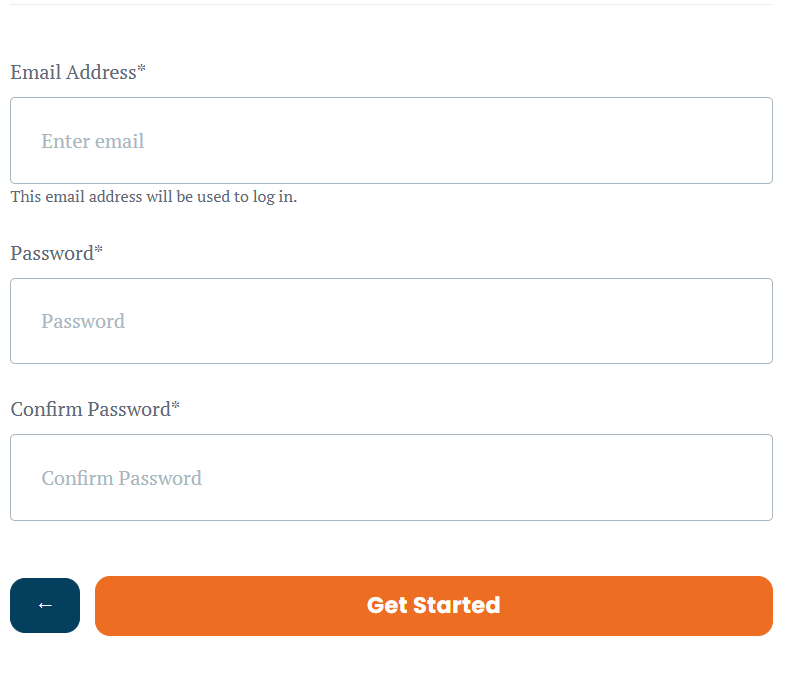
Please enter your personal information, use your email as your username, and create a secure password. This will serve as your installer account.
Step 2: Verify Your Phone Number
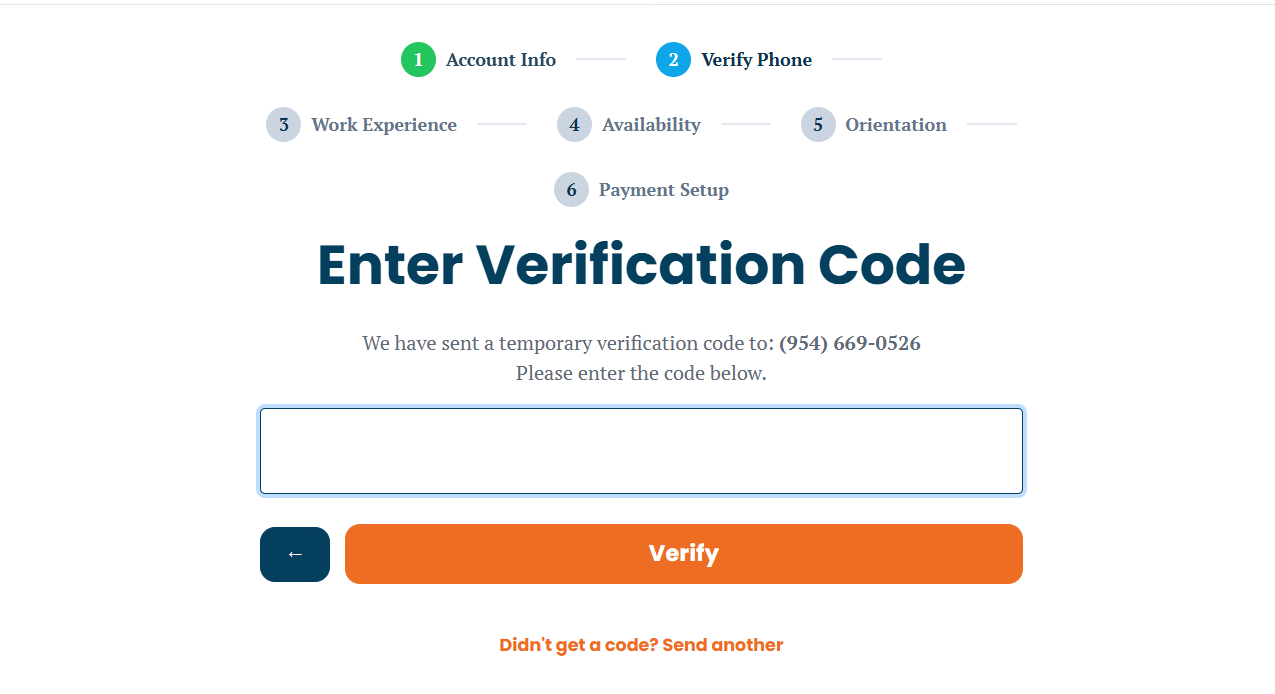
You will need to verify your phone number. This step is very important for receiving notifications and job invitations.
Step 3: Add Your Work Experience
Steady Install offers various worker levels for installation and warehouse needs. These levels are defined by the installer's skill sets, years of experience, and the tools they will provide for the project. Every installer goes through an onboarding process to ensure they are assigned the appropriate level. This process allows you to schedule the right installers based on the expertise your project demands. Each level has a different rate, which may also vary depending on the market you are located in. Complete the Work Experience section by entering your installation experience, skills, and tools.
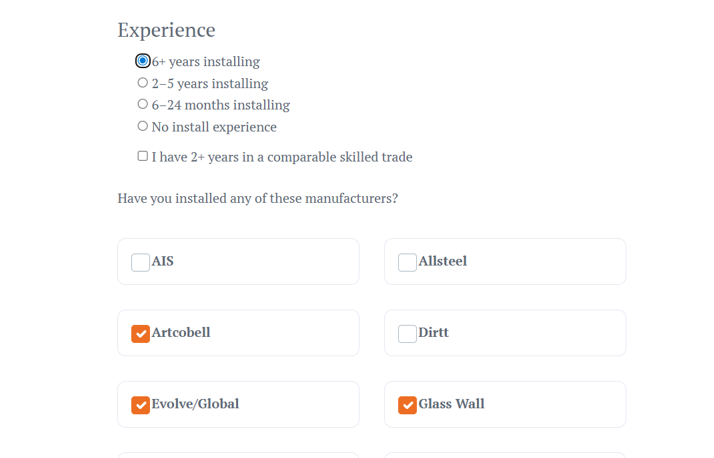
You will need to select the level that best matches your actual performance and skills.
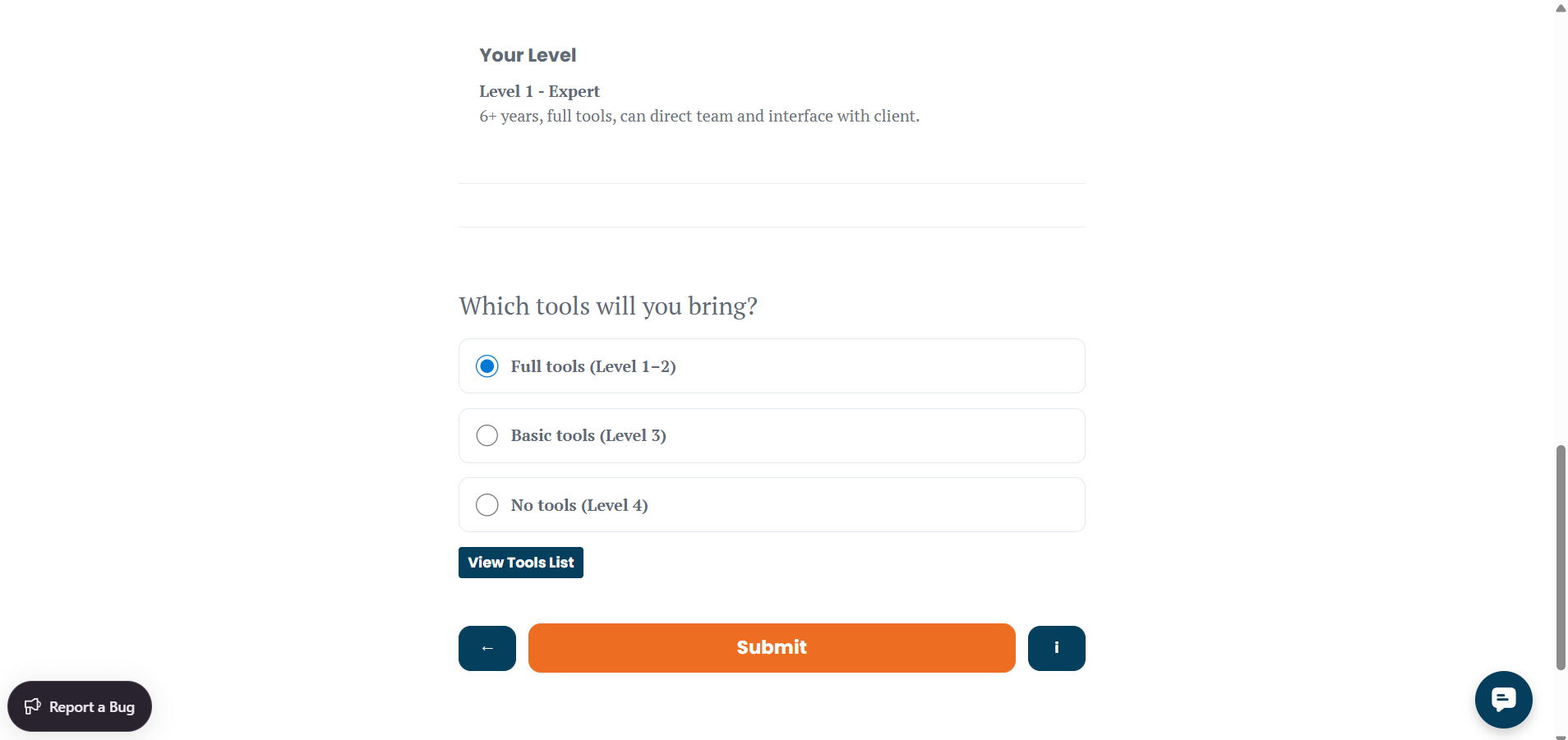
Step 4: Availability
After verifying your phone number, you can set your availability to increase your chances of getting a project
Enable the 'Available for Last Minute Today' option to receive urgent job invitations and help fill open late shifts.
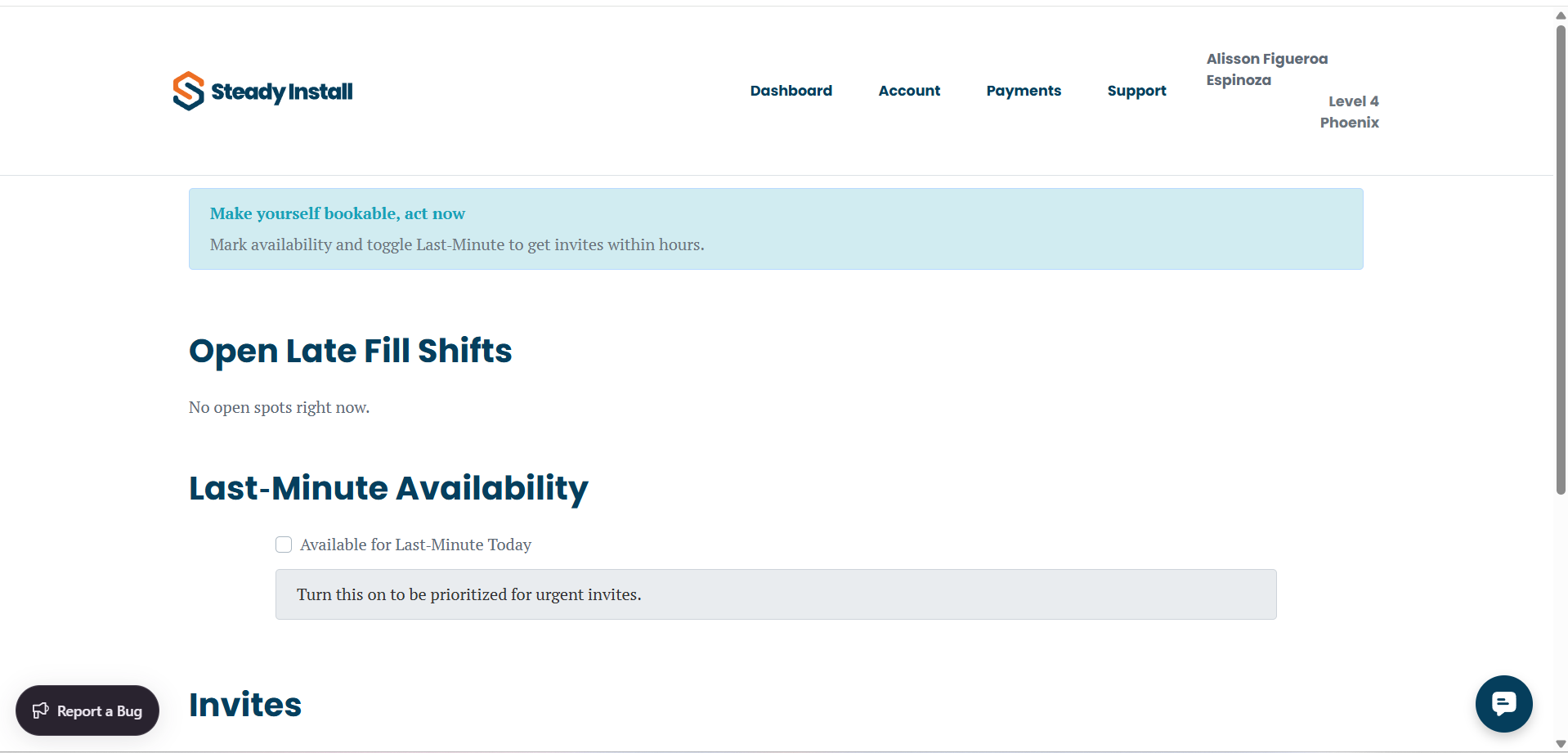
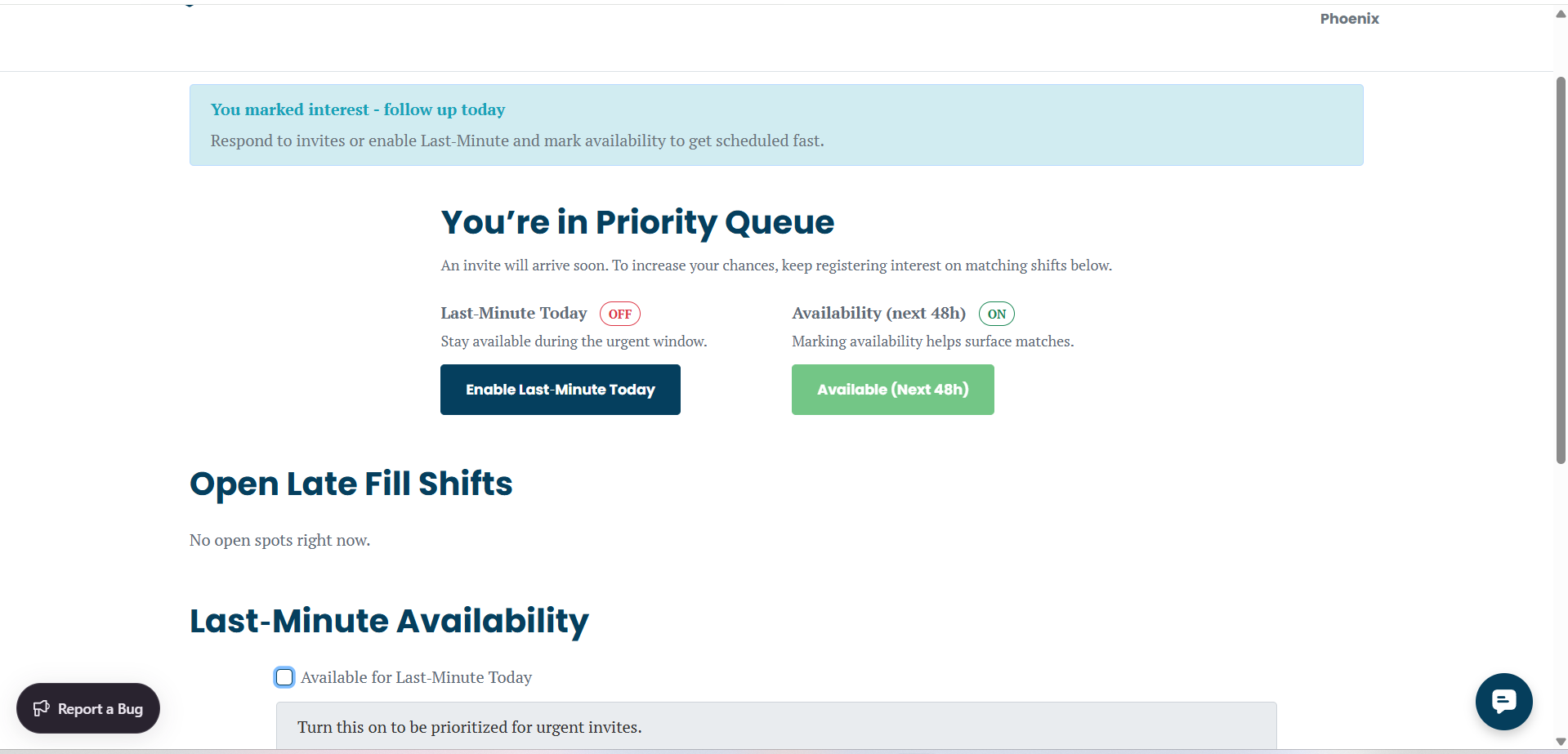
You can also enable the option to be available for the next 48 hours to receive additional opportunities on Steady Install.
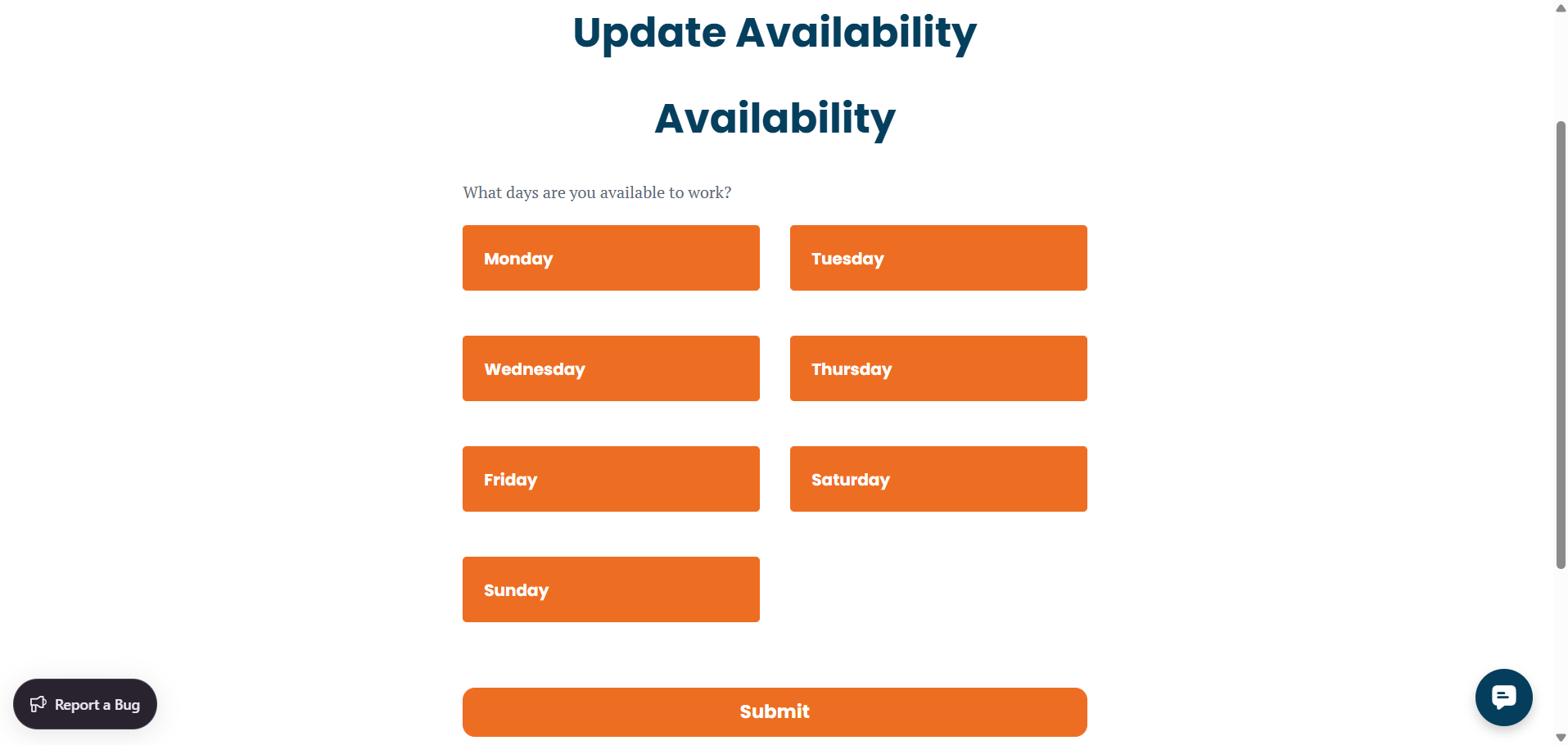
Additionally, select the days of the week you are available to work. You can choose to work every day or select non-consecutive days based on your schedule.
Tip: Keeping your availability updated makes you more visible and more likely to be booked on Steady Install.
Step 5: Complete Orientation
Before you can start receiving jobs, you must complete the orientation process to understand how the platform works and what is expected of installers.

To become an installer on Steady Install, you must complete the onboarding process. First, watch the orientation video. Then, complete the quiz based on the video content. After passing the quiz, select the level that best matches your experience. Finally, record a short introduction video explaining why you believe you are a great fit for the platform.
Step 6: Set Up Payments
To receive payments, you must complete the Payment Setup. Create a Stripe account to receive payouts.
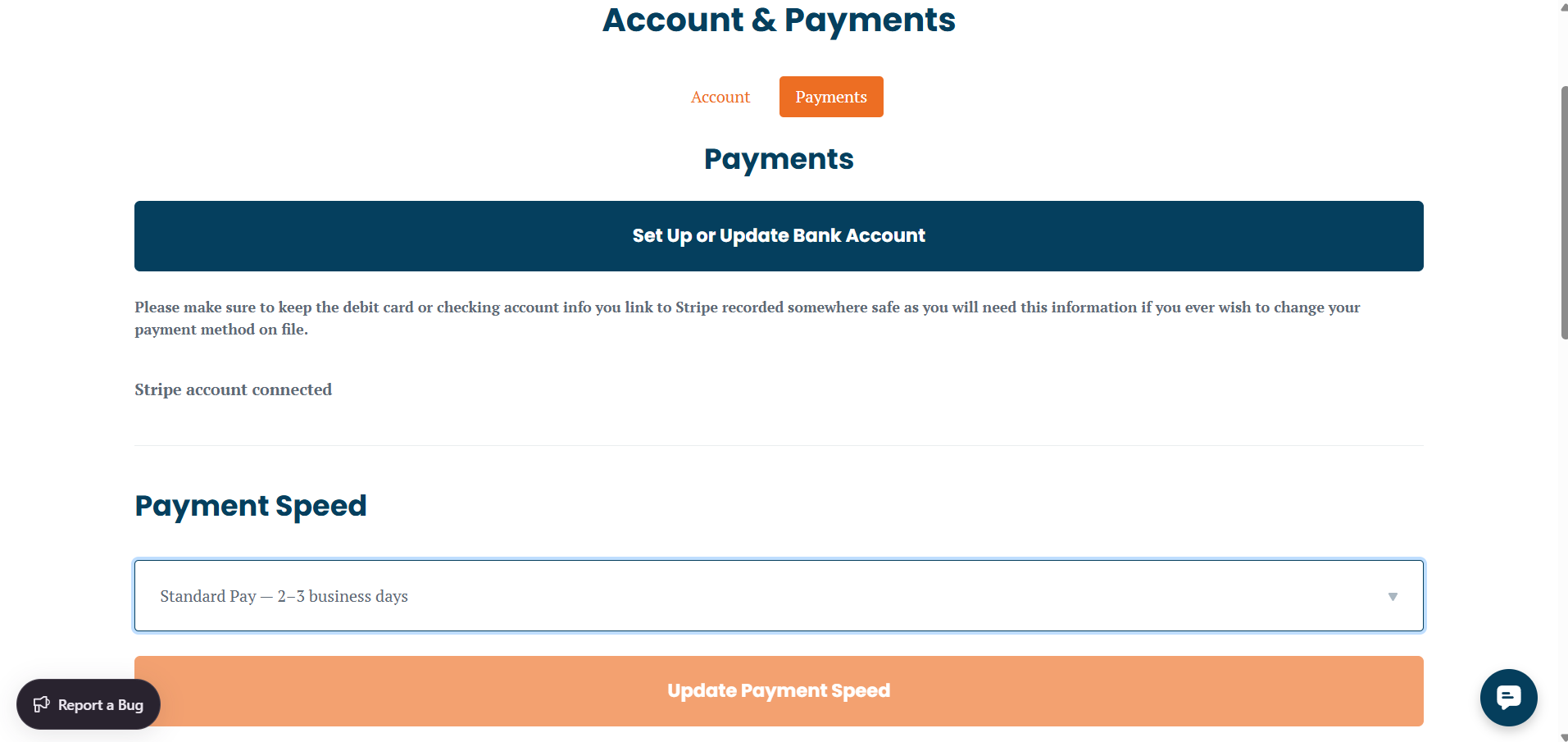
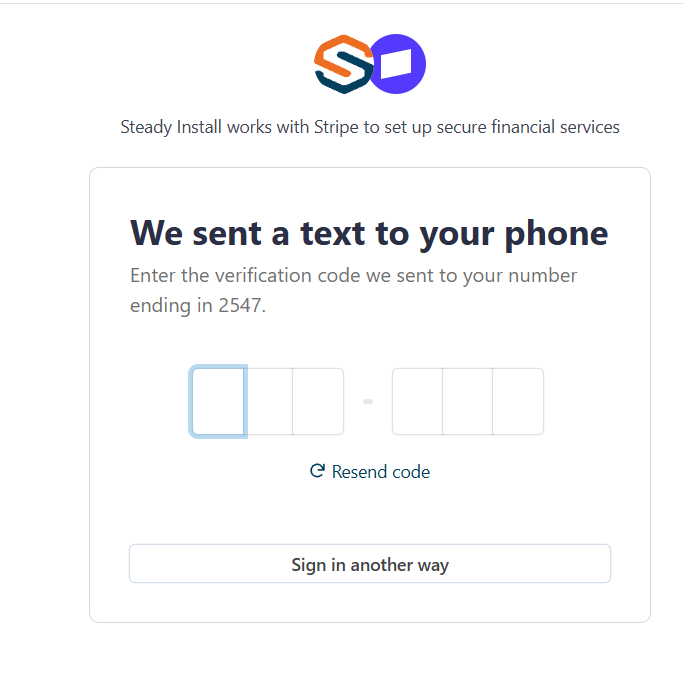
You will then receive a 6-digit verification code on your phone. Enter the code to confirm and complete the setup of your Stripe account.
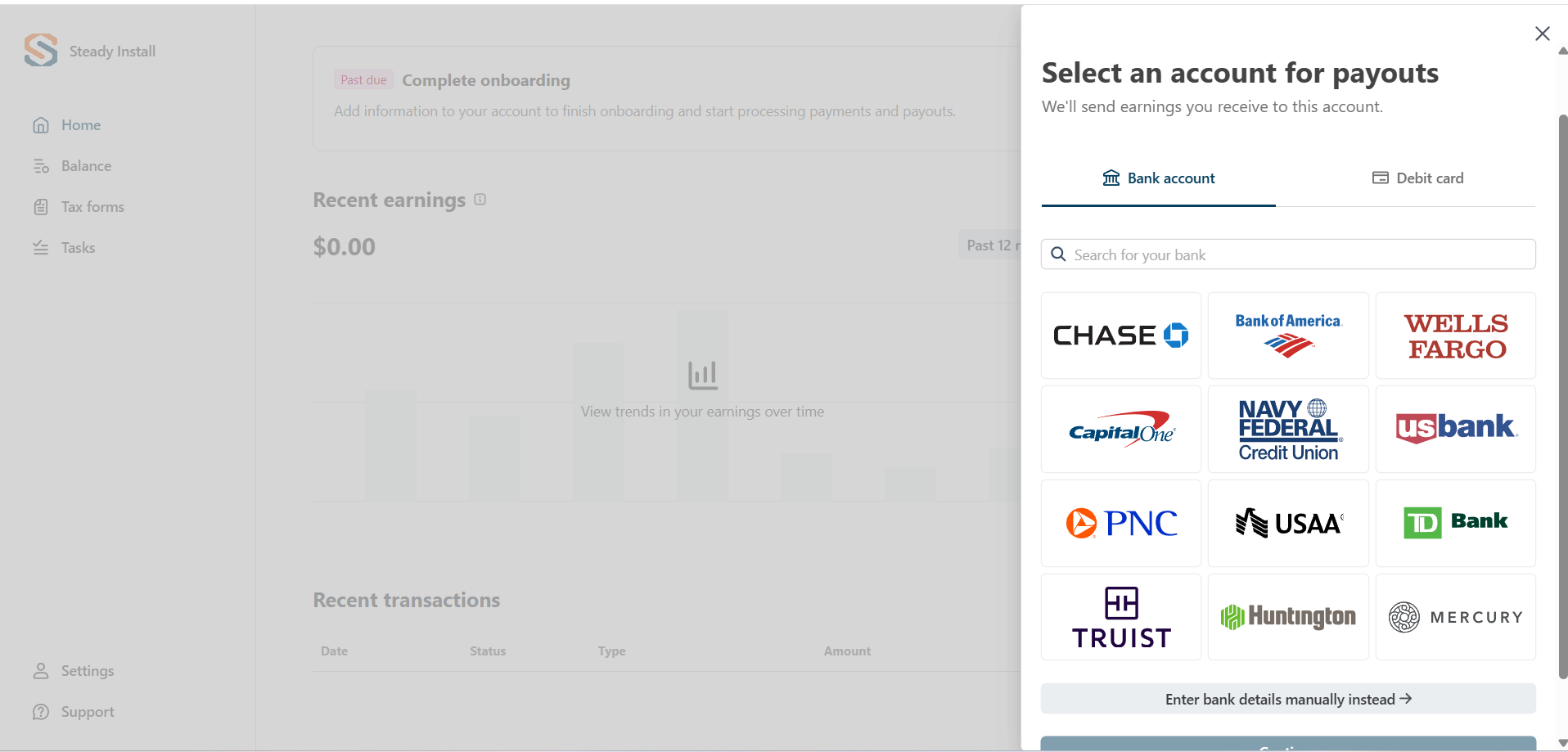
Select your payout account by adding your card information or bank account details.
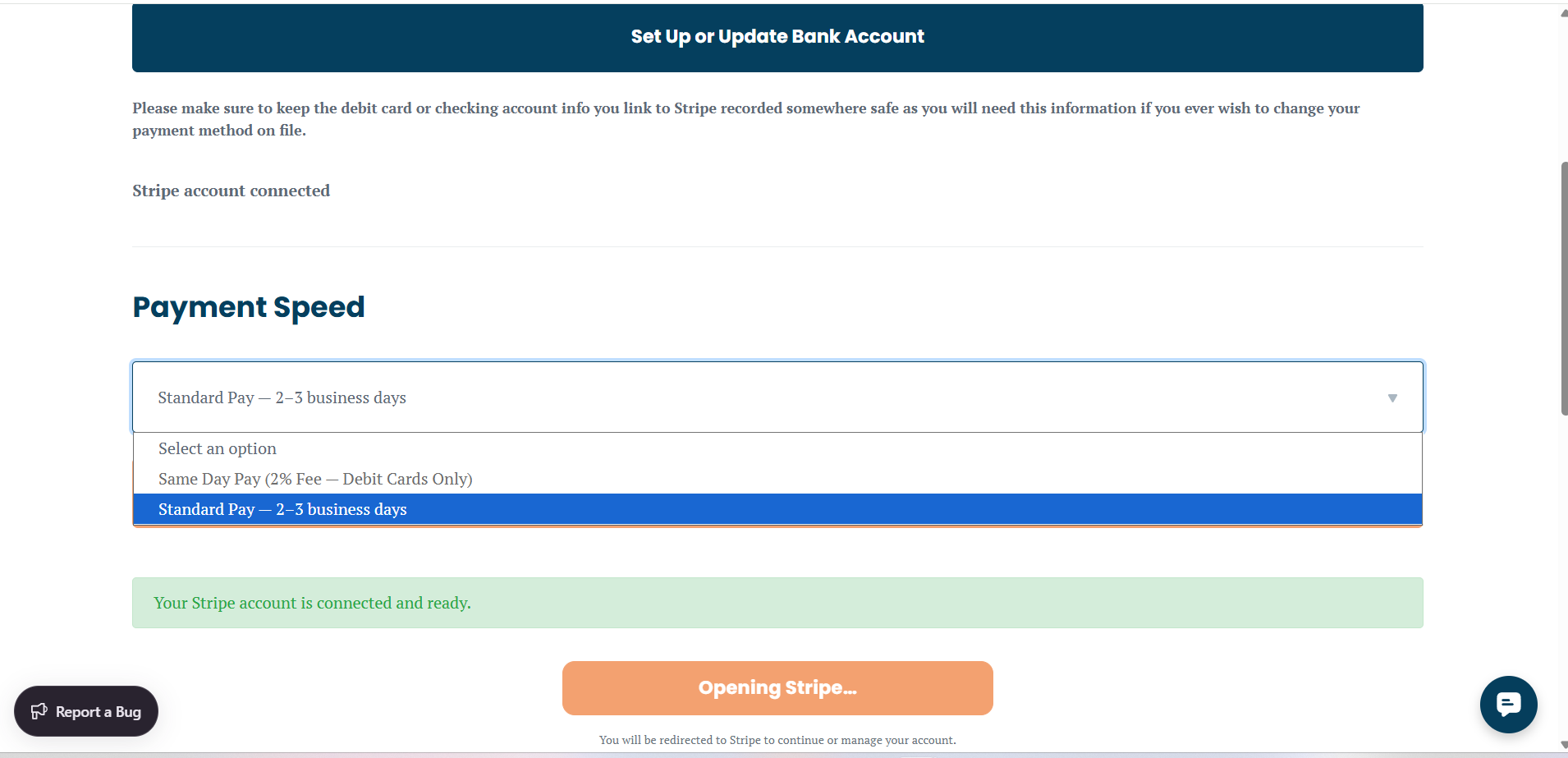
Once Choose your preferred payment option:
Standard Payment: Payments will be posted in 2–3 business days.
Instant Payment: Available for eligible workers with a 2% processing fee.
What Happens Next?
After completing your account setup, your profile and introduction video will be reviewed. If accepted, your account will be activated, and you will begin receiving job invitations via SMS from the Steady Install support team as opportunities become available.