
How do I find my Stripe Account Number?
Edited
This document provides a step-by-step guide on how to locate your Stripe account number, also known as your Stripe account ID, within the Stripe Dashboard. The account number is a unique identifier essential for various transactions and integrations.
Steps to Find Your Stripe Account Number
1. Log in to Your Steady Install Dashboard
To begin, navigate to the Steady Install App and sign in to your account using your credentials. https://app.steadyinstall.com/login
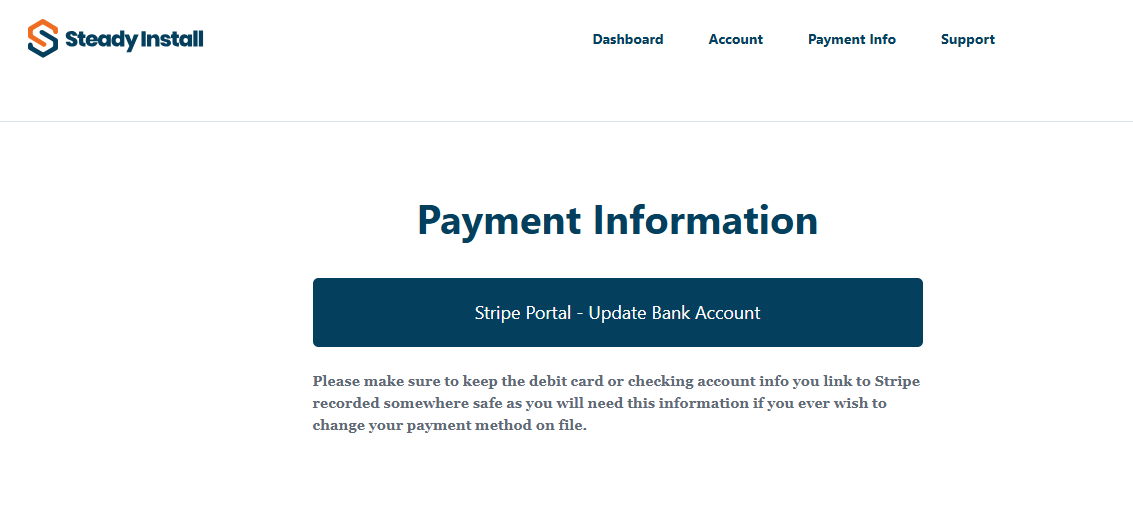
2. Navigate to the Payment Info Section

3. Click the Stripe Portal Button
4. Locate Your Account ID
Your Stripe account ID will be displayed in the URL for your Account. It is formatted as acct_####, where "####" represents a unique series of characters specific to your account.

Stripe
Account
Payment
Dashboard